
GolfFix AI Golf Swing Analyzer
MOAIS, Inc.Sports
4.5355.00 Reviews
- Version
- 3.15.0
- Installs
- 1.00M
- Age Rating
- Everyone
Screenshots
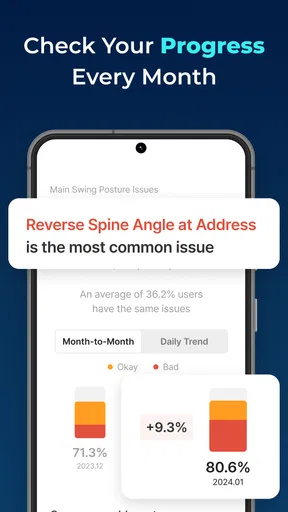
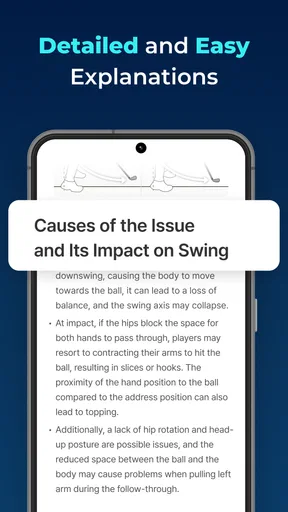
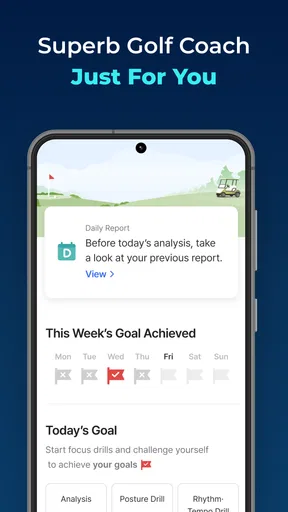
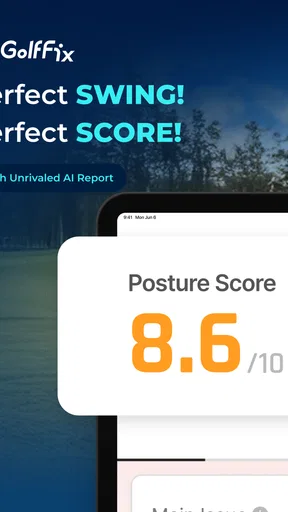
Our Review of GolfFix AI Golf Swing Analyzer
 Analysis by Appyee
I’d decide whether a swing-analysis app is right for me by asking one practical question: will I record swings often enough to turn feedback into a repeatable practice routine? That matters more than any promise of instant improvement. GolfFix AI Golf Swing Analyzer is built around filming a swing and reviewing what happened, so it makes the most sense for golfers who are curious about their mechanics and willing to work on one change at a time.
It’s a free sports app from MOAIS, Inc., with optional in-app purchases ranging from $14.99 to $99.99 per item. The app is rated for Everyone, and its 4.5 average from around 6,100 ratings, alongside over 500,000 installs, suggests it has found a sizeable audience. I’d treat those figures as context, not proof that the analysis will suit every player: camera position, consistency, and your own ability to interpret feedback still shape the experience.
What to decide before recording
Before relying on a phone-based swing check, think about where you can set up the camera safely and steadily. A wobbly view or a different angle from one session to the next can make comparisons less useful. I’d pick one practical filming position, use it consistently, and avoid changing several things at once. That simple habit makes it easier to tell whether a suggested adjustment is helping or whether the view itself has changed.
It also helps to choose a narrow goal. If you film every shot and chase every note, the amount of feedback can become distracting. I’d use a short practice block to examine one part of my motion, then try the relevant drill rather than attempting to rebuild my entire swing. The app is most valuable as a prompt for focused practice, not as a substitute for paying attention to ball flight, comfort, and how a change feels.
First Impressions
When I first opened up the app, I was greeted with a sleek interface that made navigation a breeze. It’s clear that a lot of thought went into making the user experience as seamless as possible. Setting up was straightforward too. Just a couple of taps and you're ready to analyze your first swing. I was already feeling like a pro golfer in the making!
Getting Started with Your Swing
To start using GolfFix AI Golf Swing Analyzer, you’ll need to record your swing. The app cleverly uses your phone's camera, which is super handy. You just prop up your phone, hit record, and swing away. I found that the app does a pretty good job of detecting and analyzing the swing without needing any extra gadgets.
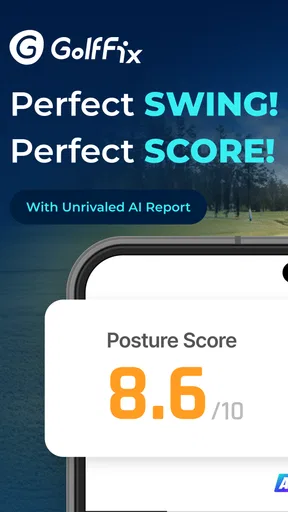
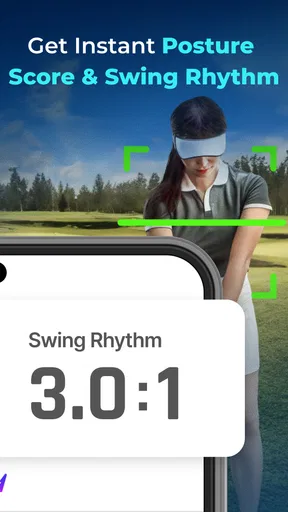
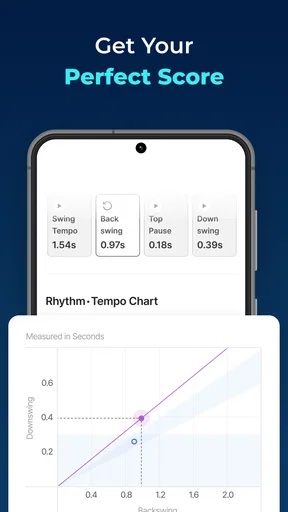
The AI kicks in quickly, dissecting your swing and offering insights almost instantly. It’s like having a coach who never sleeps. The breakdown includes valuable metrics like swing speed, tempo, and more. It even provides a visual overlay of your swing path, which is pretty neat!
Features That Stand Out
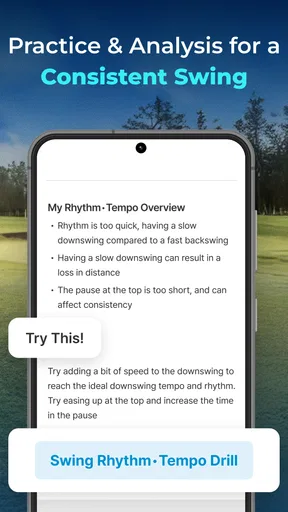
One of the features I really liked was the detailed feedback. After each swing, the app gives you tips tailored to your specific style. It even offers drills to help you work on specific aspects of your swing. I appreciated how personalized it felt—almost like the app was getting to know my game better each time I used it.
There’s also a nifty feature that lets you compare your swing to professional golfers. This side-by-side comparison is fantastic for visual learners like myself. Seeing where I stand against the pros gave me a clear target to aim for (and a little bit of motivation to keep practicing).
Turning analysis into practice
A useful routine is to record a few swings before changing anything, then keep one clip as a reference. After reviewing the feedback, choose one drill and repeat it for a manageable portion of your session. Film again from the same position and compare the movement, but don’t assume that a closer visual match automatically means a better shot. A swing that looks different from a professional’s can still be the one that works for your body and current skill level.
This approach also answers a common concern: do I need to use the app on every visit to the range? I wouldn’t. It’s better as an occasional check-in than a screen you consult after every ball. Too much reviewing can interrupt rhythm and make practice feel like a technical exam. I’d use it when I have enough time to set up, look at the result calmly, and test a change—not when I’m squeezing in a rushed bucket.
Community and Connectivity
GolfFix doesn’t just stop at being a personal coach; it also connects you with a community of other golf enthusiasts. You can share your progress, get feedback, and even challenge friends. It’s a great way to stay motivated and improve alongside others.
Plus, the app syncs with other platforms, making it easy to track your progress and share your milestones on social media. I found this feature pretty engaging as it allowed me to stay connected with my golfing buddies.
When another kind of golf tool fits better
Compared with a traditional lesson, a phone analysis app is easier to revisit on your own schedule, but it can’t watch you hit a sequence of shots and adapt its coaching through a conversation. If you’re dealing with persistent pain, a major swing change, or a confusing ball-flight problem, I’d bring the issue to a qualified coach rather than treating an automated reading as a diagnosis. The app can help you arrive with a clip and a clearer question; it shouldn’t be the final authority.
It also serves a different purpose from a range session focused only on ball flight or from a golf log used to note scores and course decisions. Those alternatives may be better if your main goal is tracking results rather than studying motion. GolfFix is appealing when the question is “what does my swing look like, and what should I practise next?” If that isn’t the question you have, its analysis may feel like extra work.
A realistic range session
Picture a golfer with a free evening and a specific feeling that their swing has become inconsistent. Rather than recording every ball, they set the phone in one stable spot, take a small sample of swings, and review the clips between practice blocks. They pick one suggested drill, try it without chasing a perfect pose, and record another sample from the same angle. That workflow makes the app a useful second set of eyes while leaving enough time to hit shots and notice how the ball responds.
For a beginner, the same process can make practice less vague: instead of simply hitting ball after ball, there is a visual reference and a drill to try. For an experienced golfer, it can help document a movement they want to revisit. But a player who dislikes filming themselves, has nowhere safe to place a phone, or prefers immediate human conversation may find a lesson or a simpler practice routine more satisfying.
Real World Impact
Now, does it actually help improve your swing? In my experience, yes! After a few sessions, I noticed a tangible difference in my technique. The AI feedback was spot-on in identifying areas where I could improve, and the drills were practical and easy to follow. It felt like a step-by-step guide to becoming a better golfer.
Of course, like any tool, the app is as useful as the effort you put into it. Regular practice and applying the feedback are key. But with this app, I felt more focused and informed about what exactly I needed to work on.
What to expect from the commitment
The main cost is not just money; it’s the time and attention required to film, review, and practise. The app is free to try, but optional purchases are available, so I’d start with the free experience and decide whether the analysis fits my routine before paying for anything. The current version is 3.9.0, and it requires Android 9 or later. That makes checking device compatibility worthwhile before building a practice habit around it.
Switching from another approach doesn’t mean abandoning lessons, range notes, or advice from a playing partner. I’d keep whatever is already helping and use the app to add visual evidence, especially when I can’t remember what a movement felt like. If its feedback conflicts with a coach who has seen me hit several shots, I’d ask about the difference instead of automatically choosing the app’s suggestion.
Who I’d recommend it to
I’d recommend trying GolfFix if you enjoy learning visually, can set up your phone consistently, and want structured ideas for independent practice. It is especially useful for someone who tends to leave the range unsure what to work on next. The drills and comparison view can turn that vague feeling into a more specific practice target, while the community side may help golfers who like sharing progress with friends.
I’d be more cautious if you expect a phone to replace a personal coach, want guaranteed results from a few recordings, or find technical feedback makes you tense. It may also be the wrong choice when your priority is course strategy, scoring, or simply enjoying a relaxed round without analysing your mechanics. In those cases, a lesson, a basic practice plan, or no swing tool at all could be a better fit.
Wrapping It Up
All in all, GolfFix AI Golf Swing Analyzer is a remarkable app for golfers looking to up their game. It's like having a personal coach with you at all times, ready to offer feedback and guidance. The combination of AI technology and user-friendly features makes it a must-try for anyone serious about improving their swing.
If you're looking to polish your game, I’d definitely recommend giving this app a shot. Whether you're a seasoned golfer or just starting, the personalized insights and community features are sure to help you swing to success.
My recommendation comes with one condition: treat each analysis as a useful observation, not a verdict. Keep the camera position steady, work on one change at a time, and check whether the adjustment helps your actual shots and feels sustainable. Used that way, it can make solo practice more deliberate; used as a constant judge of every movement, it can get in the way of simply playing golf.
Verdict
Strengths of GolfFix AI Golf Swing Analyzer
- AI provides instant swing feedback.
- User-friendly interface for beginners.
- Personalized coaching tips available.
- Tracks progress over time effectively.
- Compatible with most mobile devices.
Limitations of GolfFix AI Golf Swing Analyzer
- Requires a stable internet connection.
- Some features locked behind a paywall.
- Battery drain during extended use.
- Limited support for left-handed golfers.
- Occasional app crashes reported.
Similar Picks in This Category
View All
BeSoccer: Soccer Live Score
BeSoccer apps4.3

Cricbuzz - Live Cricket Scores
Cricbuzz.com3.7

NFL
NFL Enterprises LLC2.4

Da Fit
MO YOUNG LIMITED3.6

ESPN
Disney4.5

LiveScore: Live Sports Scores
LiveScore Limited4.5
Frequently Asked Questions
What is GolfFix AI Golf Swing Analyzer?
GolfFix AI Golf Swing Analyzer is a cutting-edge application designed to help golfers improve their swing by providing instant feedback and analysis. Using advanced AI technology, the app evaluates your swing mechanics, offering personalized tips and drills to enhance your performance on the course.
Which features does GolfFix AI offer?
GolfFix AI offers a variety of features including real-time swing analysis, detailed performance statistics, and personalized improvement plans. It utilizes your device's camera to capture your swing and provides visual feedback with overlaid metrics, helping you pinpoint areas for improvement.
Is GolfFix AI compatible with all devices?
GolfFix AI is compatible with most modern Android and iOS devices. However, for optimal performance, it is recommended to use a device with a good camera and the latest operating system. Check the app's compatibility section on the download page to ensure your device meets the requirements.
Do I need any additional equipment to use the app?
No additional equipment is necessary to use GolfFix AI. The app leverages your device's camera to analyze your swing. However, for the best results, ensure that your filming environment is well-lit and that your device is stable while capturing your swing.
Is there a subscription fee for GolfFix AI?
GolfFix AI offers both free and premium subscription plans. The free version provides basic swing analysis, while the premium plan unlocks advanced features such as detailed analytics, personalized coaching, and access to exclusive drills. Pricing details can be found on the app's download page.
